Introduction
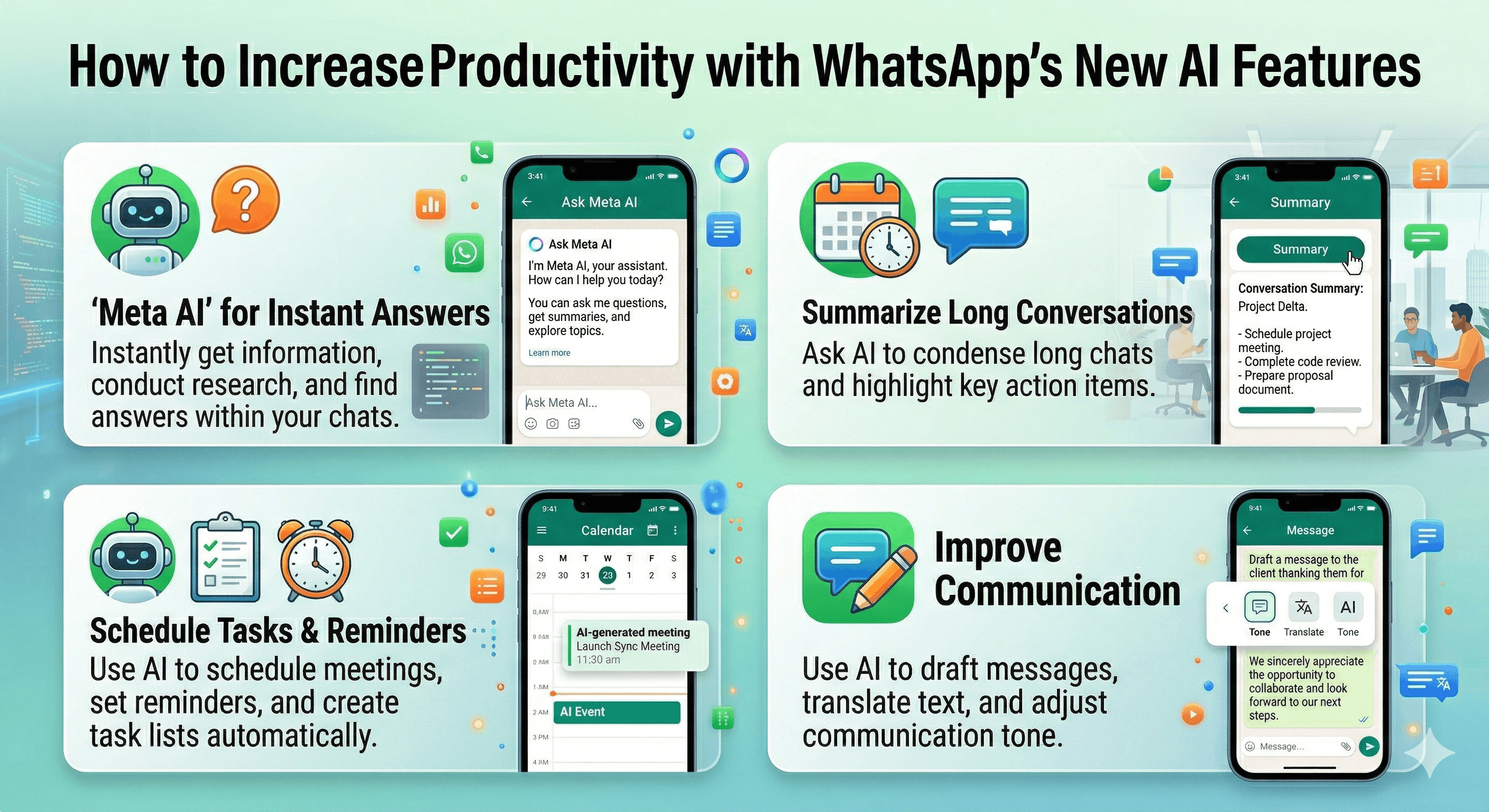
WhatsApp has rolled out a series of groundbreaking updates designed to enhance user productivity. From managing multiple accounts on iOS to leveraging cutting-edge AI features, WhatsApp is proving to be more than just a messaging app. This guide dives into these updates, providing practical workflows that individuals and businesses can quickly implement.
Who Should Use This
This guide is suitable for anyone looking to improve their communication efficiency. Here are some groups that can benefit:
- Students managing both academic and personal communications.
- Professionals balancing multiple client or work-related messages.
- Families seeking to streamline communication among members.
- Social Media Managers or marketers looking to enhance their content quickly.
Regardless of your background, the strategies detailed within will help you make the most of WhatsApp's features.
Practical Use Cases
For Students
- Dual Study Groups: With the capability to manage two accounts, students can separate their study groups effectively. This makes it easier to focus on academic topics without personal messages getting in the way.
- Chat History Transfer: Keep your important academic conversations intact when switching devices. This feature ensures that crucial information remains accessible, aiding in your studies.
- AI Message Drafting: Utilize WhatsApp's Writing Help prompt to generate messages for group assignments or discussions quickly. Spend less time drafting and more time collaborating.
For Business Productivity
- Efficient Client Management: The ability to handle multiple client accounts provides a clear divide between work and personal communication, boosting professionalism and organization.
- Storage Optimization: Utilize the new storage management tools to quickly locate and delete large files, ensuring your workspace remains clutter-free and efficient.
- On-the-Go Photo Editing: Whether it’s an urgent promotional post or a quick social media update, the AI photo editing features allow for seamless enhancements directly within the app.
For Daily Life
- Organized Personal Communication: Managing separate accounts for different aspects of your life—family, work, and friends—will help maintain your social balance while making it easier to switch contexts.
- Quick File Deletion: Manage your chat storage by swiftly deleting unnecessary media files, allowing you to prioritize significant messages and updates.
- AI Background Removal: Enhance personal photos for social sharing in seconds, letting you create eye-catching content effortlessly.
Bonus: Social Media Updates
- Timely Promotions: Leverage the AI tools to generate creative messaging for social media campaigns, ensuring your messages resonate well with your audience and engage them effectively.
Actionable Checklist
- Set up dual accounts on WhatsApp for improved communication management.
- Transfer chat histories when switching devices to retain important messages.
- Utilize AI features for quick photo editing and message drafting.
- Manage storage settings effectively to keep your device organized.
- Experiment with AI tools for creative messaging and marketing purposes.
Conclusion
WhatsApp's latest updates present vast opportunities for productivity enhancement. By leveraging new features like AI-driven photo edits and dual accounts, users can streamline their communication and bolster their daily workflow. Embrace these tools to make your messaging experiences more efficient and enjoyable.
For ongoing updates and more detailed news regarding these features, check out the original article from Engadget. Stay ahead with the latest in WhatsApp!


