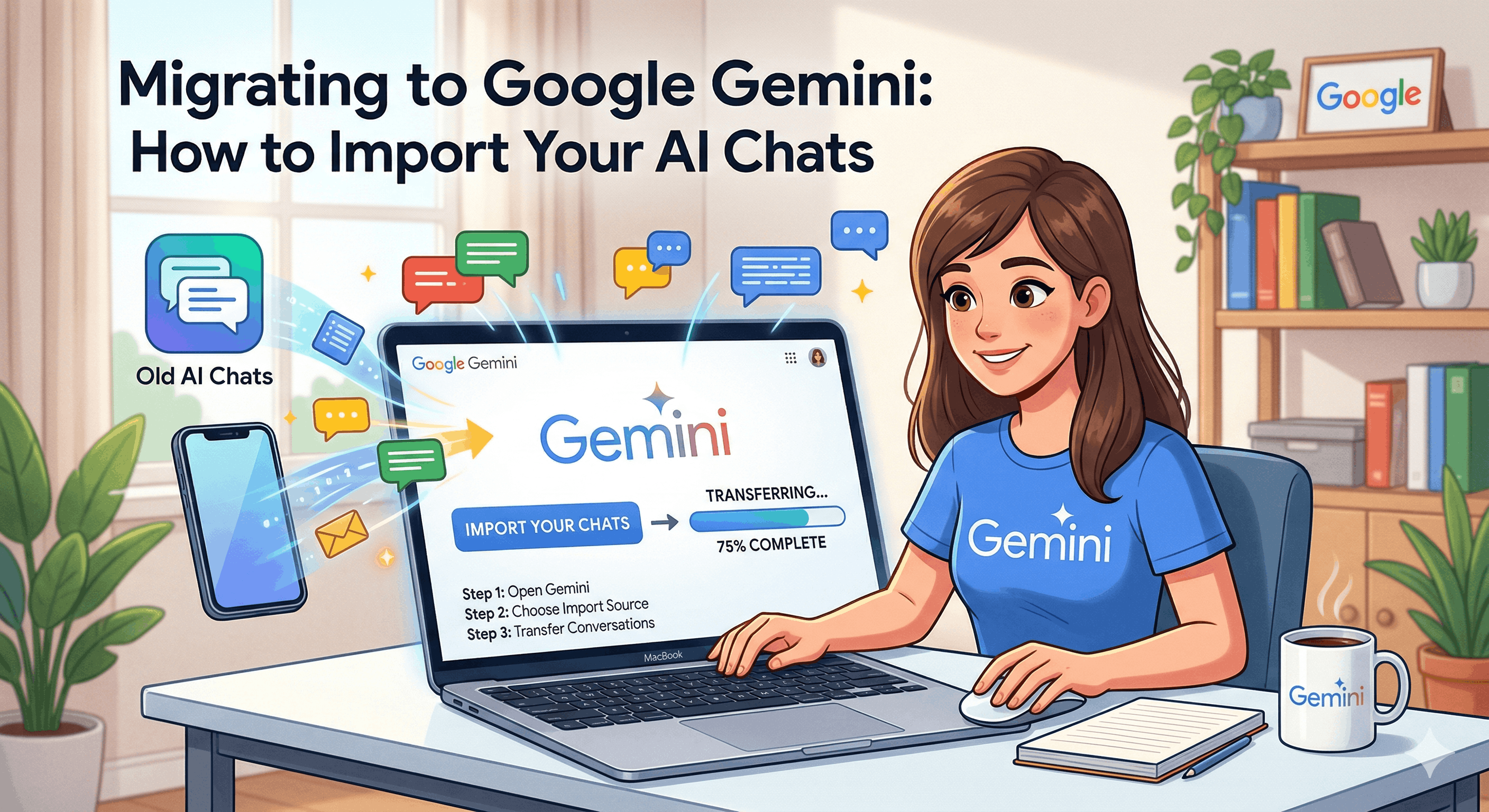
Migrating to Google Gemini: How to Import Your AI Chats
As the landscape of AI chatbots evolves, switching providers has never been simpler. Google’s recent update to Gemini allows for the importation of chats and data from other platforms, enabling a smoother transition and preserving your personalized experiences. This comprehensive guide will help you through the process of migrating your chat history, specifically designed for students, business professionals, and everyday users.
Who Should Use This
If you're contemplating a switch to Google Gemini from another AI application, this guide is crafted for you. Here's a breakdown of who can benefit:
- Students: Retain your research chats, enabling easier access to previously discussed topics. Memory retention, along with notes and reminders from prior discussions, enhances your study sessions and makes sure important information remains intact.
- Business Professionals: Teams can retrieve vital project discussions, ensuring crucial insights aren't lost. Continuous collaboration with AI assistants boosts overall workflow, and personalized customer interactions hinge on retaining historical context.
- Everyday Users: Users can migrate essential personal conversations, preferences, and interests for a customized AI experience. The transition between different AI chat apps will be smoother, allowing you to continue previous chats without losing continuity.
Practical Use Cases
Understanding how to leverage the import functionality can be a game changer. Here’s how different user groups can benefit:
For Students
- Academic Continuity: Easily keep track of research topics and tutoring sessions, which are invaluable while studying for exams or working on assignments.
- Organization: Retain notes, reminders, and important discussions that can be referenced later, enhancing your learning experience.
- Study Groups: Maintain ongoing communication with partners or classmates who use AI tools, fostering collaboration.
For Business Productivity
- Project Tracking: Retrieve and review crucial information on ongoing projects, making sure vital discussions aren't lost in the shuffle.
- Enhanced Collaboration: Smooth transitions allow for continuous dialogue with AI, enabling teams to benefit from integration and improved workflow.
- Customer Relations: Preserve the context of previous customer interactions, offering a personalized service even after switching platforms.
For Everyday Life
- Personal Conversations: Migrate essential chats around hobbies, interests, or travel plans, maintaining a narrative that resonates with you.
- Customized Experience: Build a more familiar interface while ensuring that previous interactions guide the AI’s understanding of your preferences.
- Less Hassle in Switching: Transitioning between services becomes easier, allowing users to have their previous chats at their fingertips.
How to Import Your Chats into Google Gemini
Migrating your chat history into Google Gemini is a straightforward process. Here's a step-by-step guide:
- Open Google Gemini: Launch the platform and either sign in to your existing account or create a new one if you don’t have it yet.
- Navigate to the Import Feature: Look for the import function via settings or through a dashboard prompt.
- Select Your Previous AI: Choose from a list of supported platforms, such as ChatGPT or Claude.
- Summarize Your Previous Interactions: Gemini prompts the competitor’s AI to summarize what it has learned about you.
- Copy and Paste: Upload the generated summary into the designated field within Gemini.
- Import Chat History: If available, upload previous conversations as text files for a full history transition.
- Review and Confirm: Finally, take time to review your data and ensure everything is correctly integrated.
Actionable Checklist for Migrating to Google Gemini
Before you initiate your migration, use this checklist to ensure you haven’t missed any steps:
- Sign in to your Google Gemini account.
- Locate the import feature in settings.
- Select the supported AI tool for the summary.
- Copy the summary generated by the previous AI.
- Upload previous chat files if this feature is available.
- Review the imported data for completeness and accuracy.
Key Considerations Before Migrating
Before moving your data, here are some factors you might want to weigh:
- Privacy Concerns: Review the privacy policies of both Google Gemini and your previous AI. Ensure that importing your data does not compromise any sensitive information.
- Compatibility: Not all features may be compatible when imported. Check to see if essential functionalities replicate seamlessly post-import.
- User Support: Make use of community forums and official support from both platforms if you encounter issues during the migration process.
Comparing Import Features with Other AI Tools
Here’s how Gemini stacks up against other AI platforms regarding their import features:
| AI Tool | Import Memory Feature | Supported Formats |
|---|---|---|
| Google Gemini | Yes | Text files, competition summary |
| Claude | Yes | Text files, context summaries |
| OpenAI API | Limited | API-based context retrieval |
In summary, Google’s Gemini is advancing user experience by offering innovative import capabilities. By enabling users to migrate their chat data, Google enhances personalization and boosts the usability of AI chatbots.
For further details about Google Gemini’s latest updates, you can read the comprehensive article on Engadget.


