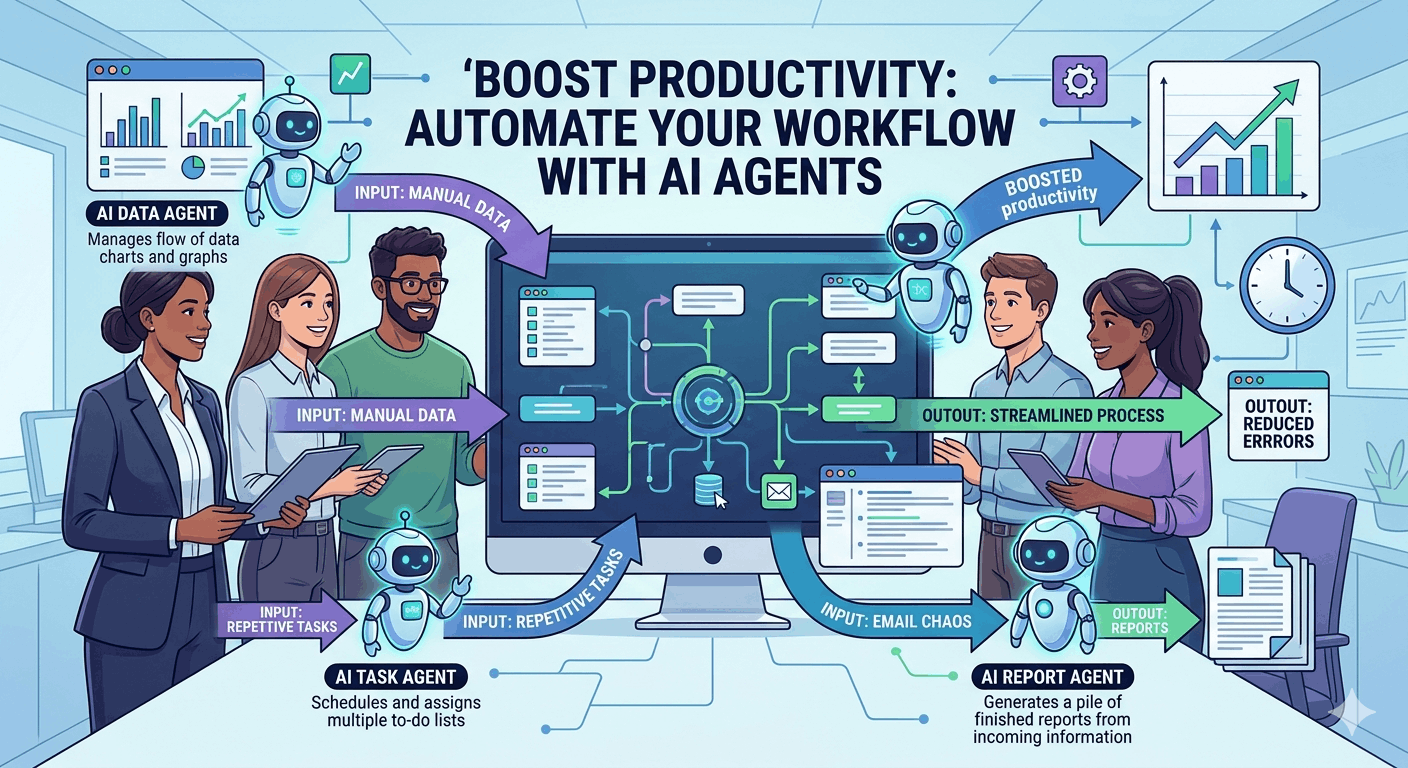
Boost Productivity: Automate Your Workflow with AI Agents
In today's fast-paced world, time is of the essence. Harnessing the power of AI agents can significantly enhance productivity and streamline tasks. This guide explores how you can automate your workflow to reclaim precious hours each week while making the most out of AI tools like ChatGPT, Claude, and Google Gemini.
Who Should Use This
- Professionals looking to optimize their daily tasks and increase efficiency.
- Students seeking innovative study and research methods to save time and enhance learning.
- Entrepreneurs who want to focus on strategic growth instead of routine tasks that can be automated.
- Busy Individuals looking to integrate automation into daily life for better time management.
Practical Use Cases
For Students
Leveraging AI agents can drastically improve study efficiency and productivity. Students can harness tools like ChatGPT to quickly summarize articles, assist with research, or even generate study questions.
- Automated Research: Use AI to gather information on topics with concise summaries of lengthy articles.
- Note-Taking: AI can help streamline note organization by summarizing lecture notes and consolidating textbook information effortlessly.
- Writing Assistance: Draft essays or outlines, utilizing AI to generate initial content that you can refine further.
For Business Productivity
AI agents can revolutionize team dynamics, allowing for better communication and task management, ultimately leading to increased productivity.
- Email Automation: Tools like Claude can automate email replies based on your preferences, helping you manage your inbox efficiently and saving hours each week.
- Meeting Follow-Ups: Google Gemini can generate quick summaries and action items from meetings, ensuring no detail is overlooked.
- Project Management: Integrate AI agents into project management tools to automate task assignments, updates, and reminders.
For Daily Life
Incorporating AI into daily routines leads to better time management and reduces the cognitive load associated with daily tasks.
- Grocery Lists: Use Mistral AI to automate meal planning and grocery lists based on dietary preferences and family needs, ensuring efficient shopping.
- Daily Reminders: Set automated reminders for tasks or appointments with tools like Microsoft Copilot, helping you stay organized.
- Health Monitoring: Employ AI to keep track of fitness routines and health-related activities, offering suggestions based on your progress.
Actionable Checklist
To get started on automating your workflow with AI agents, follow this actionable checklist:
- Choose an AI agent tool (e.g., ChatGPT, Claude, Google Gemini).
- Identify repetitive tasks in your workflow that can be automated.
- Set up automation for emails, follow-ups, and meeting notes.
- Utilize AI for research assignments or project summaries to save time.
- Schedule regular reviews to optimize your automation setup for maximum efficiency.
Getting Started with AI Agents
Automating your workflow with AI agents doesn't require extensive technical knowledge. Here’s how you can get started:
Step 1: Select Your Tools
Choose from top AI agents depending on your needs. Popular options include ChatGPT, Claude, and Google Gemini. Each of these tools has unique features tailored to different tasks.
Step 2: Identify Tasks
List out tasks that consume a significant amount of your time. These could include managing your emails, handling research, or organizing tasks and reminders.
Step 3: Integration
Most AI tools offer seamless integration with existing applications such as email clients, note-taking apps, and project management tools. This simplification makes it easy for you to set up automations quickly.
Step 4: Experiment and Optimize
Start with simple automation tasks, such as creating daily reminders or automated email replies. As you become comfortable, gradually experiment with more complex workflows. Continuously monitor the effectiveness of the automations and adjust as necessary.
Common Challenges and Solutions
While automation can significantly enhance productivity, it isn't without its challenges. Here are a few common hurdles and how to overcome them:
- Learning Curve: If you're new to AI tools, it may take some time to understand how to use them effectively. Consider online tutorials or webinars to familiarize yourself with the functionalities.
- Over-Reliance: Be cautious not to delegate all tasks to AI agents. Ensure your critical thinking and creativity are not compromised. Use AI as an aid, not a complete replacement.
- Integration Issues: Sometimes, AI tools may not seamlessly integrate with existing software. Check for application compatibility and explore support forums to resolve any issues.
Conclusion
Utilizing AI agents such as ChatGPT, Claude, and Google Gemini can fundamentally transform how you manage your time and tasks. By automating repetitive jobs, you free up hours in your schedule that can be redirected towards more meaningful activities—whether personal projects, strategic planning, or simply enjoying leisure time.
The future of productivity lies in the intelligent integration of AI tools into our daily lives. Embrace this evolution and take the first steps today to reclaim your time. Dive deeper into automated workflows by checking out more comprehensive resources here.


